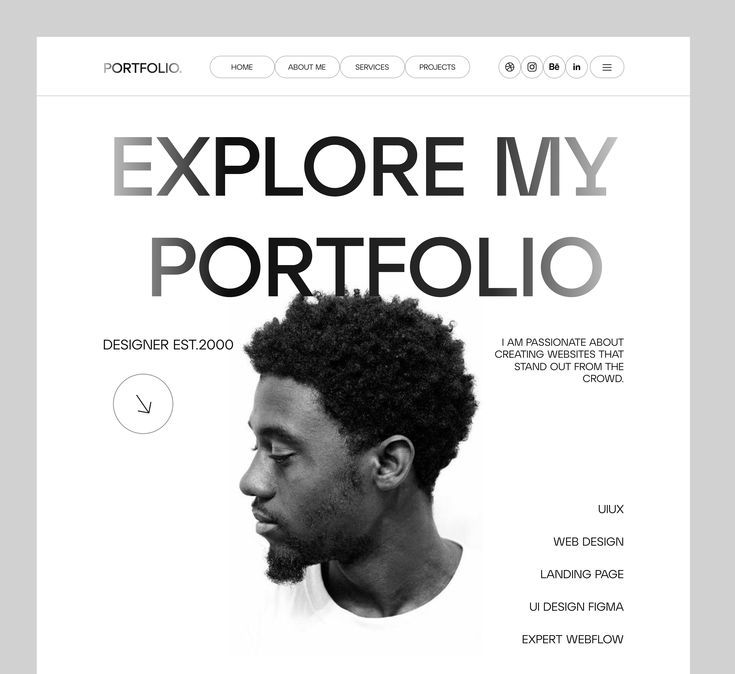

When you think about creating a professional presence online, one tool stands above the rest: the portfolio website. In today’s digital-first world, your portfolio is often your most powerful introduction. Looking through portfolio site examples not only inspires fresh ideas but also helps you understand what works best for different industries.
From clean and minimalistic layouts to bold, interactive designs, portfolios have become creative canvases. They are no longer just digital resumes but full experiences that tell your story. If you are considering building your own, exploring portfolio site examples is the perfect starting point.
Before the internet, portfolios were physical. Artists carried leather-bound folders, architects presented large sketchbooks, and photographers showed printed albums. These collections were the gateway to opportunities, giving potential clients or employers a tangible view of a person’s talent.
With the rise of the internet in the late 1990s, portfolio websites emerged. At first, they were basic HTML pages showcasing a few images and contact information. In the 2000s, Flash introduced animations and interactive elements, while CSS and JavaScript opened doors for sleek, dynamic layouts.
Fast forward to today, portfolio sites are sophisticated digital identities. They often blend storytelling, visuals, and technology, allowing professionals to present themselves in a way that feels both personal and polished. As highlighted in Uni-B’s guide on building a winning online portfolio, these websites are now as essential as business cards once were.
In modern professional life, your portfolio is often reviewed before you even meet a client or recruiter. Browsing portfolio site examples helps you see what resonates in today’s market.
Here is why they matter:
According to BBC Culture, digital self-presentation has become a cornerstone of identity, proving that how you design your portfolio reflects more than just your work, it reflects who you are.
If you look at the most effective portfolio sites, you will notice recurring elements. These features make them both functional and memorable:
Looking at portfolios across industries shows how adaptable this format is. Here are some standout approaches:
Web Developers: Code snippets, interactive demos, and GitHub links.
Clean layouts with emphasis on functionality.
Graphic Designers: Bold visuals, creative grids, and playful colors.
Smooth animations and engaging hover effects.
Writers and Editors: Text-driven layouts with featured articles.
Minimalist designs that highlight storytelling.
Photographers: Full-screen galleries with high-quality images.
Lightbox features to zoom into details.
Educators and Trainers: Clear sections for courses, resources, and achievements.
Testimonials and case studies for added credibility.
If you are new to portfolio building, Uni-B’s guide on free online portfolio websites offers practical steps to get started without overwhelming costs.
Inspired by these examples? Here is how you can apply their success strategies:
Portfolio websites continue to evolve. With the rise of AI, virtual reality, and immersive web design, the future portfolios may become even more interactive and personalized. Yet the essence will remain the same: portfolios will always serve as a way to share your story, showcase your skills, and connect with opportunities.